Your RSS Feeds in NotebookLM
RSS import keeps recurring reading sources inside the same article digestion workflow as manual URLs. Pull full posts into NotebookLM, then review and synthesize them with the rest of your reading list.
A Reading Pipeline
RSS import is what keeps the web article workflow alive after the first batch. Instead of manually revisiting sites, keep the feed flowing into NoteKitLM and send the best articles into NotebookLM when they are worth deeper review.
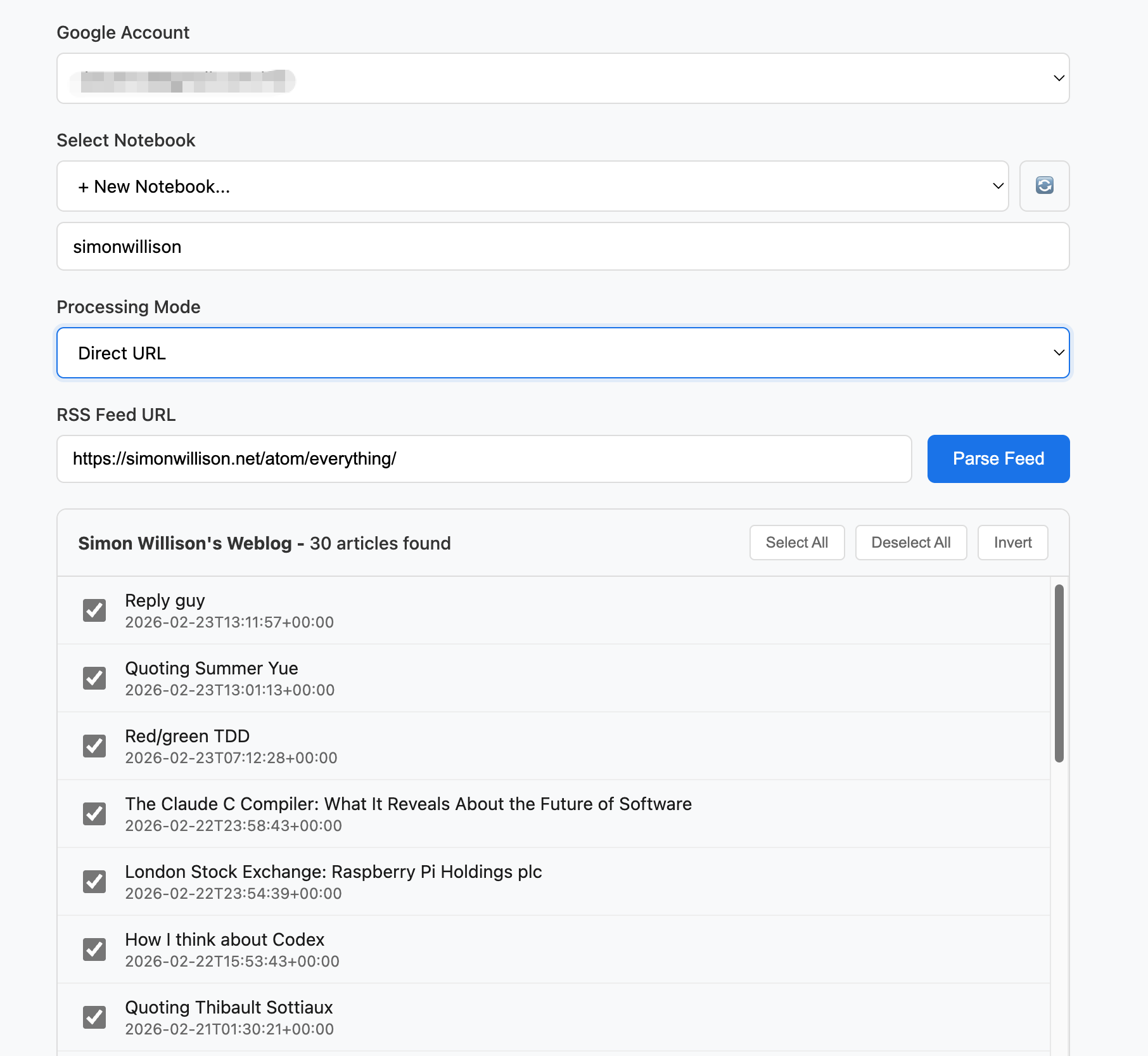
- Add any valid RSS or Atom feed to keep new articles flowing into your capture queue.
- Scan recent posts in the extension before deciding what belongs in the notebook.
- Batch export the strongest articles into the same notebook as your manually captured sources.
- Use podcast-capable feeds when your research mix includes audio alongside written articles.
Part of the Workflow:
Web Article Workflow
Capture clean pages by URL, preserve image-heavy or logged-in pages as PDFs, then review everything in NotebookLM with the original article still visible.
Web Article Workflow
Capture clean pages by URL, preserve image-heavy or logged-in pages as PDFs, then review everything in NotebookLM with the original article still visible.
Learn more →Batch URL Import
Queue clean article URLs into NotebookLM in one shot so web research starts from a structured notebook instead of a mess of tabs.
Learn more →Sidebar Assistant
Keep the source open beside NotebookLM so article review, book reading, and research handoff all stay grounded in the original material.
Learn more →